Record your screen.
Take it as far as you want.

Screen recorder for Mac. Backgrounds, zooms, camera and captions without opening a video editor, in an app under 10 MB.

Made forMarketingDevelopmentDesignEducationCreators
ESPlano's interface is in Spanish for now. Get notified when English arrives
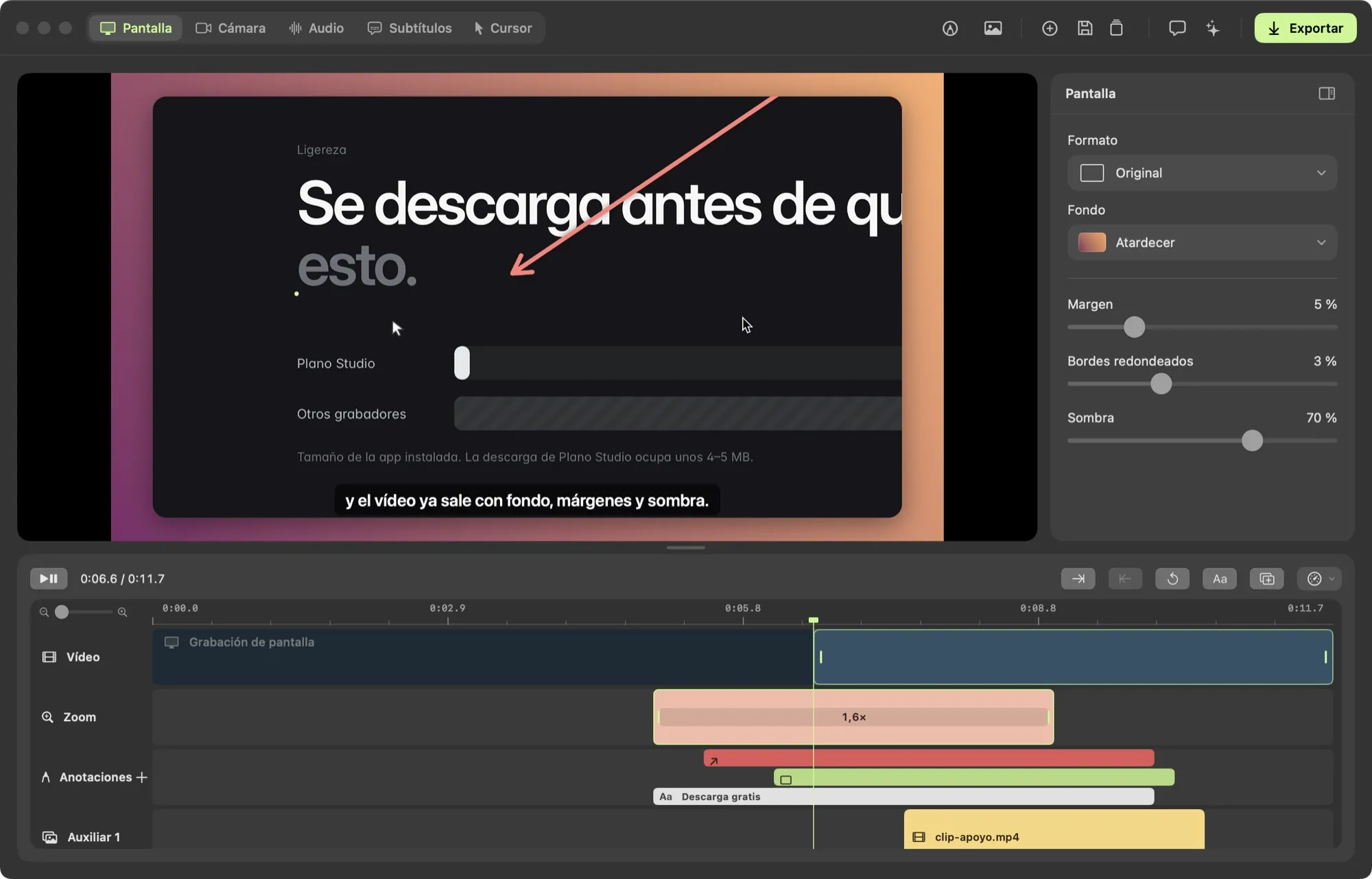
Plano Studio editor with a zoom, a drawn arrow, captions, annotation tracks and an extra clip

Features

What you'd do in an editor,
done while you record.

Record exactly what you want to show

Choose what Plano captures before you start: a single window, the whole screen, your iPhone or iPad, or just one area. Everything else stays out of the recording.

  • WindowOnly the app you pick. Your notifications and the rest of the desktop stay out.
  • ScreenEverything on the display you choose.
  • DeviceYour iPhone or iPad over USB, to show mobile apps.
  • AreaA region you draw and adjust to fit.
1.0 Camera

Full control of your camera

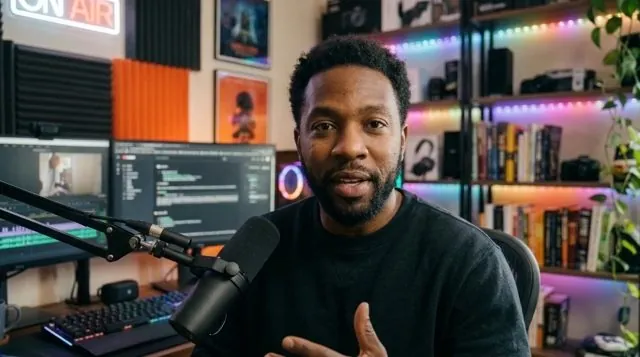
Choose what shows in each part: a bubble, half and half, a third, full camera, or no camera. Resize it and move it to any of its nine positions.

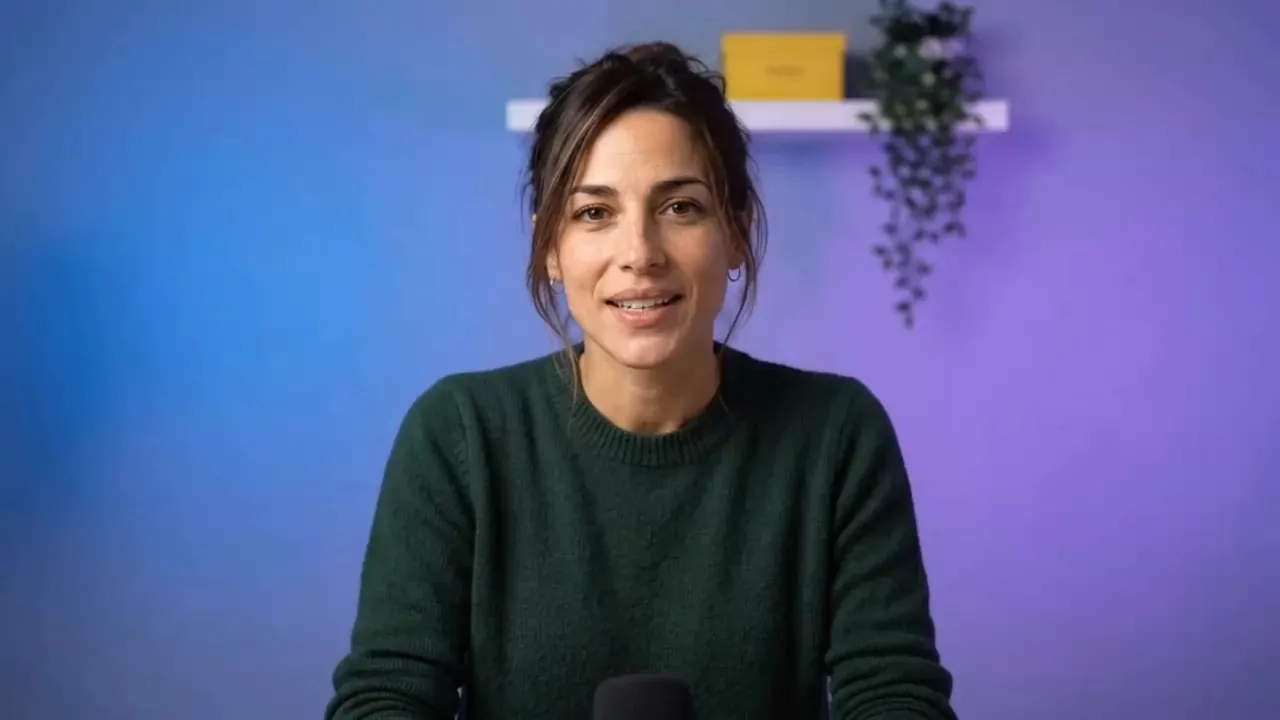
Presenter on the recording camera
Camera
BubbleHalf1/3FullNo camera
Screen

2.0 Annotations

Draw live and while editing

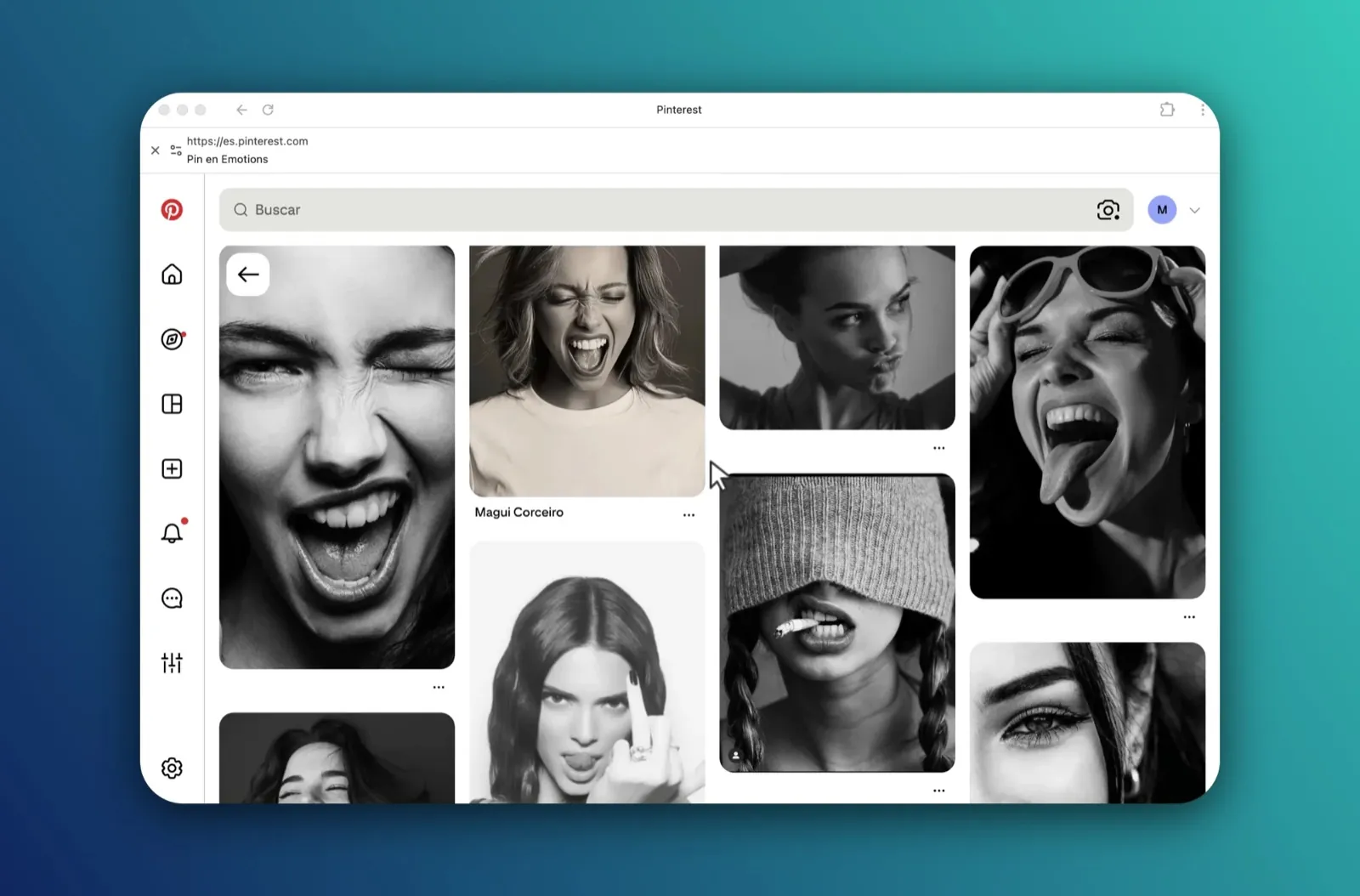
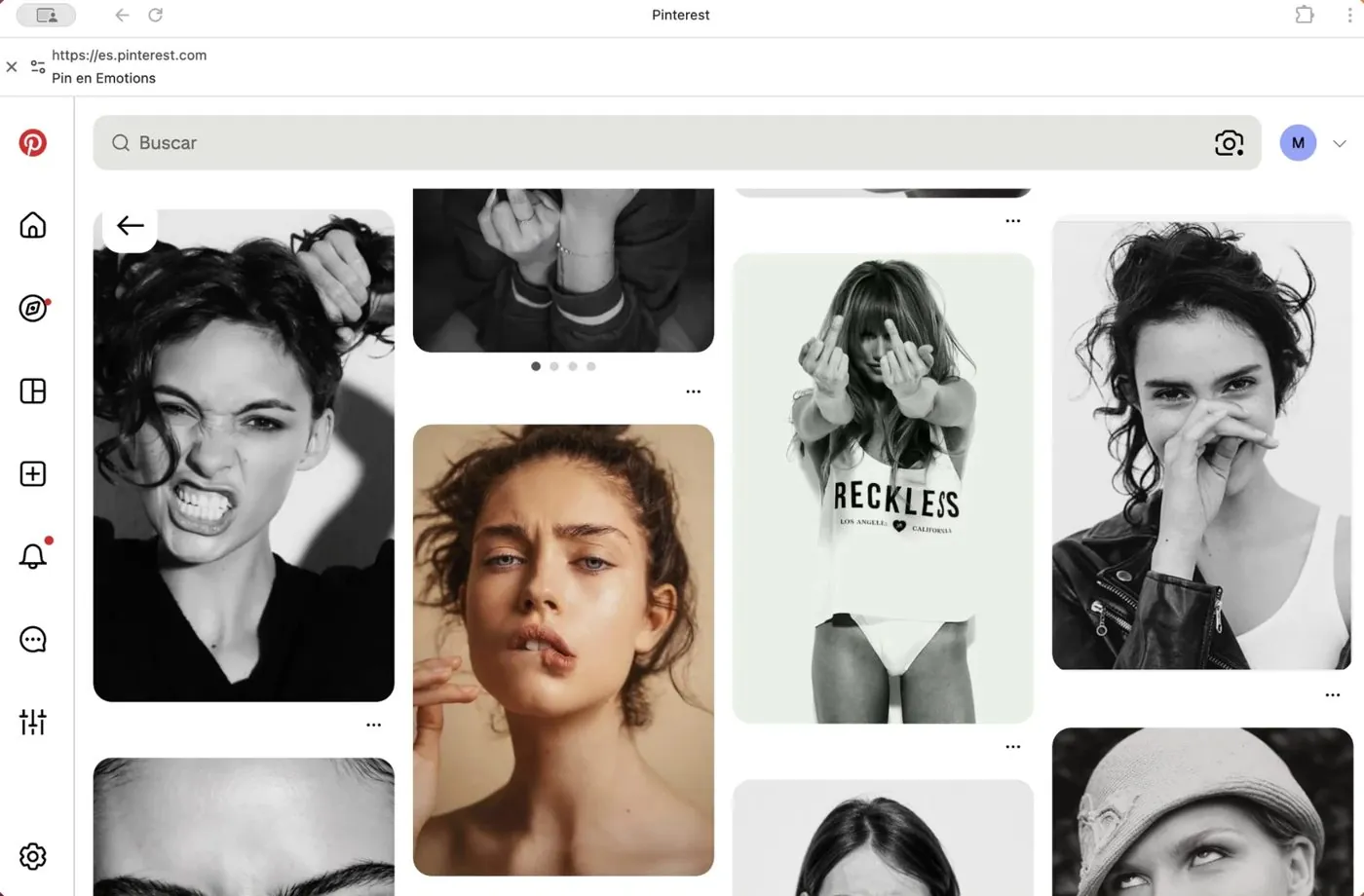
Press ⌥⌘D and a bar appears with pen, arrow, box and text. Strokes fade after four seconds and stay editable afterwards. And you can add more from the editor.

Browser recording with annotations drawn on top This one!
✎↗▢T

3.0 Captions

Captions that never leave your Mac

Generated with Apple's speech recognition, offline and with no per-minute fees. Show them on the video or export them as .srt or .txt for YouTube or your courses.

Now we open the export panel

.srt.txt● Processed on this Mac

5.0 Timeline

Your clips, your voice and your music

Drag other videos, images or audio onto up to 3 extra tracks: a B-roll clip, your logo, a voice-over or your theme tune. And save any frame as a PNG image.

Screen
Camera
FullBubbleFull
Extra 1
demo-app.movlogo.png
Extra 2
voz-en-off.m4a
Annotations
↗Text
Save frame (PNG)

4.0 Export

Export and know how long it takes

MP4 up to 4K, or GIF. While exporting you see the time left; when it's done, the total time. 4K is only offered when your recording has the detail for it: no bloated files.

MP41080p4KGIF

Exporting 0% · ~3 min left

Safety

With Plano Studio
you never lose a recording.

A power cut, an unexpected crash or a nearly empty battery shouldn't cost you a twenty-minute take. Plano protects every recording while you make it and gives it back if something goes wrong.

Why Plano

What you save
compared with other recorders.

Plano Studio Typical in others
App size Under 10 MB Hundreds of MB
Price 79 USD, once Monthly or yearly subscription
User account Not needed Often required
Captions and background blur Processed on your Mac Often in the cloud
Export captions as a file .srt and .txt Depends on the app
Other videos, logos and music on the timeline Up to 3 tracks Uncommon
Voice-over on top of the recording Included Uncommon
Draw while recording Yes, and edit it later Uncommon
Save a frame as an image Yes, as PNG Depends on the app
Try before you pay Everything, no time limit Often limited

Always moving

Plano never stands still.
Every version comes from talking to the people who use it.

Try it here

Click, change, try, play.
This is editing in Plano.

A pocket version of the editor, right here. Change the background, move the camera, turn on captions or hit play. Everything you touch works the same way in the app.

Interactive demoIt only shows how Plano works. It doesn't record, import files or export anything.

Browser window recorded as an example
Presenter camera

0:00.0 / 0:11.7
Video
Screen recording
Zoom
1,6×
Camera
Annotations
Draw on the preview with ✎
Extra clip
Press + to add another file to the recording

A simplified version running in your browser. The real app has many more options.

The interactive demo is made for bigger screens. Open it on your computer or tablet to try the editor.

English version

Plano speaks Spanish today.
English is next.

The app interface is in Spanish for now, and an English version is coming in the next release. Leave your email and we'll let you know the day it's out. Until then, you can try everything for free.

One email when English is ready. No spam, unsubscribe anytime.

Pricing

Try all of it. Pay once.

Free

0 USD

Every feature, no time limit. Take your time trying it.

  • All recording and editing features
  • No time limit
  • Exports in 720p with a watermark
  • Captions on the video, no .srt/.txt file
Download free

License

Launch

79 59 USD one-time

With the code LANZAMIENTO until December 31, 2026. After that, 79 USD.

  • Export up to 4K, no watermark
  • Captions as .srt and .txt
  • Up to 3 Macs, works offline
  • 1.x updates included
Notify me in English

Requires macOS 15 Sequoia or later · Mac with Apple Silicon (M1 or later)

No subscription, no account. Secure checkout with Polar. The license goes on sale in English together with the English app.

FAQ

Frequently
asked questions.

Something else? Write to us.

Is it really free?

Yes. You can use every feature, with no time limit. Without a license, exports are 720p with a “Made with Plano Studio” watermark and captions can't be exported as a file.

What does the license include?

A one-time payment of 79 USD. Export up to 4K with no watermark, save captions as .srt and .txt, use it on up to 3 Macs and get all 1.x updates.

Do I need an account or an internet connection?

No account needed. You only need a connection to activate the license and check for updates. Recording, editing, generating captions and exporting all work offline.

Are my recordings uploaded anywhere?

No. Everything stays on your Mac, including captions and camera background blur, which are processed on the device itself.

Is the app in English?

Not yet: the interface is in Spanish for now. The English version is coming in the next release. Leave your email above and we'll let you know.

What can I record?

A full screen, a window, an area you draw, or an iPhone or iPad connected by USB. With microphone, Mac audio and camera, each one separately.

Can I move my license to another Mac?

Yes. Deactivate it on one Mac from Export › Deactivate on this Mac and activate it on another.

What if it's not for me?

Try it for free as long as you like before buying. If you buy it and it still doesn't work for you, you get your money back within 14 days of purchase. See refunds (in Spanish).

Record your screen.
Take it as far as you want.

Free to try everything. No account.

Download for Mac

Requires macOS 15 Sequoia or later · Mac with Apple Silicon (M1 or later)